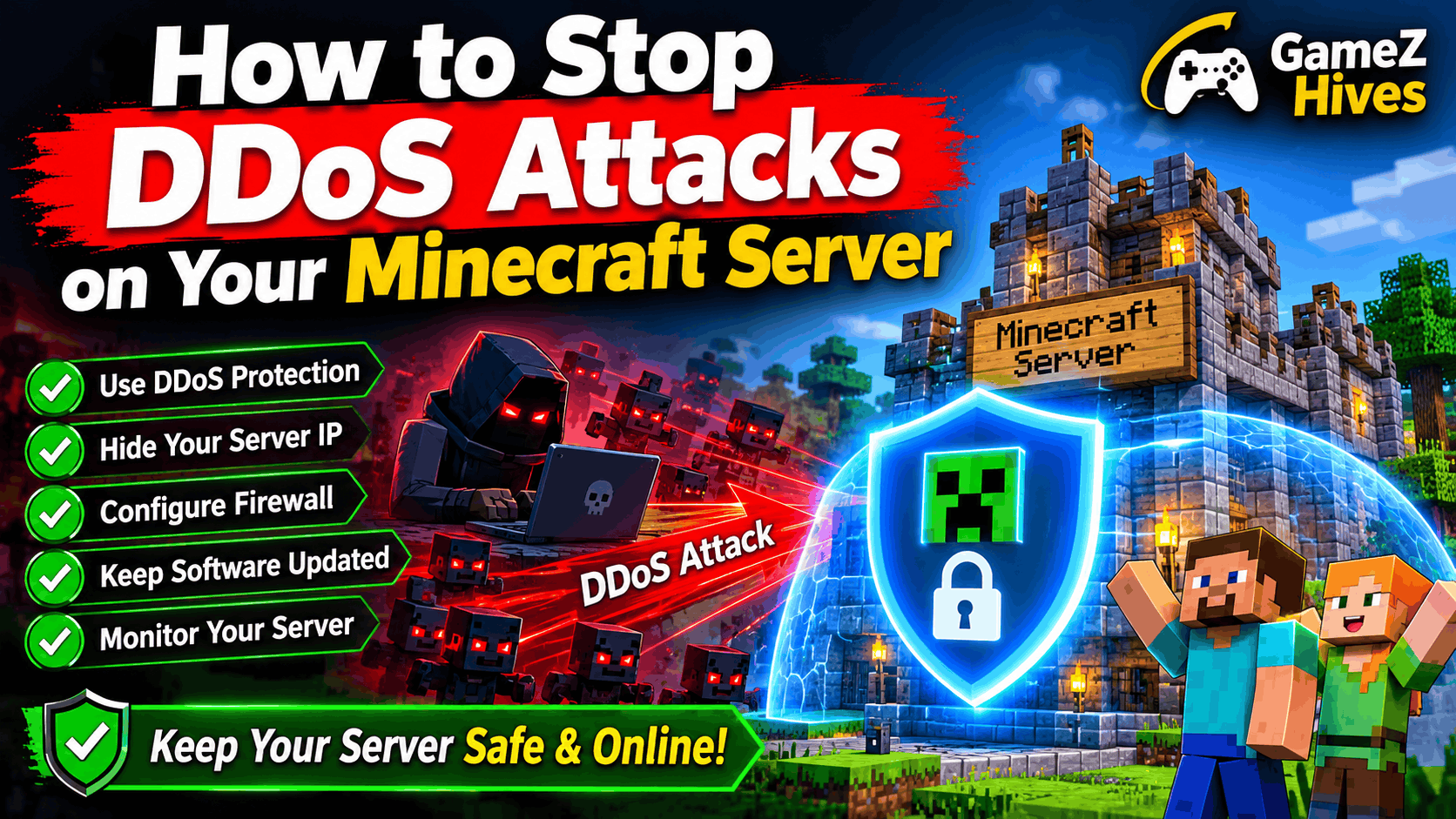
Running a Minecraft server is fun until a DDoS attack makes it unplayable. Players may experience lag, connection timeouts, random disconnections, or complete server downtime. Whether you manage a small survival server with friends or a large network with hundreds of players, knowing how to stop DDoS attacks on a Minecraft server is essential for keeping your community online.
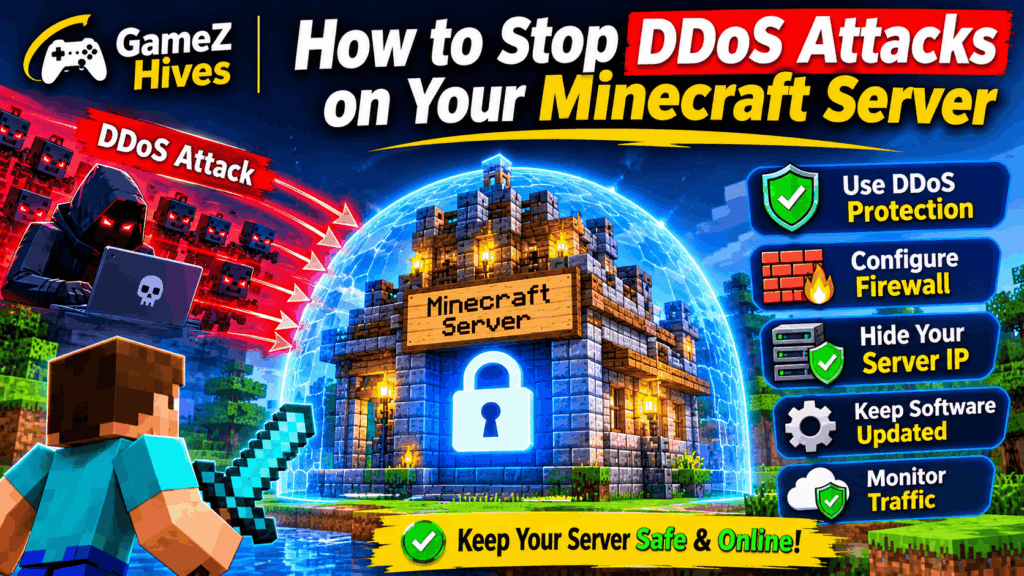
A single attack can affect your server’s performance, reputation, and player activity. Fortunately, several practical steps can reduce these risks. From choosing secure hosting and using anti-DDoS services to configuring firewalls and protecting your server IP, the right setup can make your Minecraft server much more resilient against unwanted traffic.
What Is a DDoS Attack on a Minecraft Server?
A Distributed Denial-of-Service (DDoS) attack happens when multiple devices send large amounts of traffic to a server, overwhelming its network or resources. The goal is usually to make the server unavailable to legitimate players.
Minecraft servers are common targets because attackers may want to disrupt a gaming community, force a server offline, or target a rival server owner.
Common signs of a DDoS attack include:
- Sudden increases in network traffic.
- High ping and severe lag for players.
- Frequent connection timeouts.
- Server crashes or network disconnections.
- Unexpected CPU, network, or connection pressure.
Not every lag spike is a DDoS attack. Poor plugins, overloaded hardware, and network problems can cause similar symptoms, so checking your hosting provider’s traffic reports is a good starting point.
How to Stop DDoS Attacks on a Minecraft Server
The most effective approach is to prevent malicious traffic from reaching your Minecraft server in the first place. Here are the methods server owners should consider.
1. Choose Minecraft Hosting With DDoS Protection
Your hosting provider plays a major role in your server’s security. A reliable Minecraft hosting company should provide network-level DDoS mitigation capable of filtering malicious traffic before it reaches your server.
Many hosting providers offer basic protection, but the quality and capacity of their mitigation systems vary. Some can handle large volumetric attacks, while others may suspend your server during an attack.
When choosing hosting, look for:
- Network-level DDoS mitigation.
- High-capacity filtering infrastructure.
- Minecraft-specific traffic protection.
- Reliable network uptime.
- Support for Java and Bedrock, where needed.
For players in the USA, a server location in North America may offer better latency. European players may benefit from EU locations such as Germany, France, or the Netherlands. However, DDoS protection should remain your priority when choosing a location.
2. Use a Minecraft Anti-DDoS Proxy
A Minecraft proxy protection service can help hide your backend server’s IP address while filtering incoming connections. Players connect through the protected proxy, which forwards legitimate traffic to your actual server.
Services such as TCPShield provide Minecraft-focused protection and routing options for supported server setups.
A protected network generally follows this structure:
Players → Protected Proxy → Private Minecraft Backend.
The backend server should accept connections only from trusted proxy addresses. Otherwise, attackers may bypass the proxy and target your original IP directly.
This is one of the most important steps in Minecraft proxy DDoS protection.
3. Protect Your Minecraft Server IP Address
Your backend IP address should never be unnecessarily exposed. If attackers discover it, they may attempt to bypass your protection service.
You can reduce the risk of IP leaks by:
- Using a protected proxy instead of sharing your backend IP.
- Removing outdated DNS records.
- Avoiding public links to unprotected server services.
- Restricting access to your hosting panel.
- Moving exposed services to separate infrastructure.
If your original IP has already been exposed, simply changing the Minecraft port is not enough. Consider requesting a new IP address from your hosting provider and configuring firewall restrictions before making the server publicly accessible again.
4. Configure Firewall Protection
A firewall helps control which connections can reach your Minecraft server. It is especially useful when combined with an external DDoS protection service.
For a Java Edition server, the default Minecraft port is 25565 TCP. Bedrock Edition typically uses 19132 UDP.
If you use a protected proxy, restrict your backend Minecraft port to the proxy’s official IP ranges. Keep administrative ports such as SSH restricted to trusted IP addresses or a VPN.
Linux server owners can use UFW, nftables, or other firewall tools. Windows servers can use Windows Defender Firewall.
Remember that a firewall on your server cannot stop a massive bandwidth attack if your internet connection is already saturated. Upstream filtering from your hosting provider is necessary for those attacks.
5. Keep Plugins, Mods, and Server Software Updated
Outdated Minecraft server software, plugins, mods, and proxy applications can introduce security vulnerabilities and performance problems.
Regular updates help protect your server against known bugs and security weaknesses.
Before updating, back up your world files and configuration. Review plugin compatibility and download files from trusted sources.
Avoid installing unknown plugins that promise instant DDoS protection. Most Minecraft plugins cannot stop network-level attacks because malicious traffic may reach your connection before the plugin can process it.
Best DDoS Protection for Minecraft Servers: Comparison
Different protection methods offer different levels of security, cost, and convenience.
| Protected Minecraft hosting | Integrated network protection | Protection quality varies |
| Minecraft anti-DDoS proxy | Hides backend IP and filters traffic | Requires correct configuration |
| Cloud-based network filtering | Handles large network attacks | May require additional setup or cost |
| Firewall protection | Restricts unauthorized connections | Cannot independently stop bandwidth saturation |
| Anti-bot plugins | Helps manage certain login abuses | Does not replace network-level protection |
<text color=”success” weight=”medium”>For most public Minecraft servers, protected hosting combined with a correctly configured proxy and firewall is a strong starting point.</text>
Step-by-Step Guide to Protect a Minecraft Server From DDoS Attacks
Follow these steps to build a more secure Minecraft server network.
Step 1: Check Your Current Hosting Protection
Ask your hosting provider what type of DDoS protection is included. Find out whether it protects against TCP floods, UDP floods, volumetric attacks, and Minecraft-specific connection abuse.
Do not assume that advertised protection covers every attack type.
Step 2: Set Up a Protected Proxy
Choose a Minecraft-compatible proxy protection service. Configure your public domain to point toward its protected endpoint according to the provider’s instructions.
Test the connection before making further changes.
Step 3: Lock Down the Backend IP
Configure your server firewall so the Minecraft backend accepts traffic only from trusted proxy IP ranges and authorized administrative addresses.
Do not leave the Minecraft port publicly accessible if the protection provider requires restricted access.
Step 4: Secure Your Administrative Access
Use strong, unique passwords and enable two-factor authentication wherever available. Restrict SSH, remote desktop, hosting panels, databases, and other administrative services.
Never share administrative credentials with untrusted staff members.
Step 5: Monitor Traffic and Server Performance
Use your hosting dashboard, network monitoring tools, and server logs to track unusual traffic patterns.
Monitoring can help you identify attacks, connection abuse, performance issues, and potential IP leaks before they cause more serious problems.
Step 6: Create Backups and an Emergency Plan
Back up your Minecraft worlds, configuration files, plugins, permissions, and important server data regularly.
Prepare a recovery plan that includes contacting your hosting provider, reviewing traffic reports, changing exposed IP addresses when necessary, and restoring the server safely.
Pros and Cons of Minecraft DDoS Protection
Pros
- Reduces the risk of server downtime during network attacks.
- Helps maintain a smoother experience for legitimate players.
- Protects the backend IP when correctly configured.
- Improves reliability for public Minecraft communities.
- Supports better server network security.
Cons
- Premium protection services may cost extra.
- Proxy configuration can be confusing for beginners.
- Incorrect firewall rules may block legitimate players.
- Some protection services may add routing latency.
- No protection service guarantees immunity against every attack.
My Experience at GameZ Hives
At GameZ Hives, we believe server security should be a priority before a Minecraft community starts growing. Waiting until an attack happens can create unnecessary problems, especially when players depend on your server for regular gameplay.
One of the most common mistakes server owners make is relying on a plugin or hiding their IP address without properly restricting backend access. These approaches alone are not enough.
A better approach is to combine protected hosting, proxy-based filtering, firewall restrictions, updated software, and regular backups.
We also recommend testing your protection setup from different regions. Players connecting from the USA, Canada, Germany, the UK, and Australia may experience different latency depending on the proxy routes and server location.
A properly configured protection system should prioritize security without unnecessarily affecting the gaming experience.
FAQs
Can a DDoS attack crash a Minecraft server?
Yes. A DDoS attack can overwhelm network bandwidth, exhaust connection resources, or make the server unreachable. Strong network-level protection can help reduce these risks.
What is the best DDoS protection for Minecraft servers?
Protected Minecraft hosting and a Minecraft-compatible anti-DDoS proxy are among the most effective options. The best choice depends on your server size, budget, edition, and network requirements.
Can Minecraft plugins stop DDoS attacks?
Plugins can help manage certain login abuses and in-game problems, but they cannot independently stop large network-level attacks. Upstream network filtering is necessary for serious DDoS threats.
Does changing my Minecraft server port stop DDoS attacks?
No. Changing the port may reduce some automated scanning, but it does not prevent attackers from targeting your server’s network or discovering the new port.
How much does Minecraft DDoS protection cost?
Basic protection may be included with some hosting plans. Dedicated proxies, premium network protection, and specialized hosting can cost from a few dollars to over $100 per month, depending on traffic, infrastructure, and service requirements.
Sources & References
- GameZ Hives Research Team
- Minecraft Official Documentation
- TCPShield Documentation
- Cloudflare Official Documentation
- PaperMC Documentation